Contact Support

There are two main ways to contact support.
For our first method, let's start on the TrackitHub homepage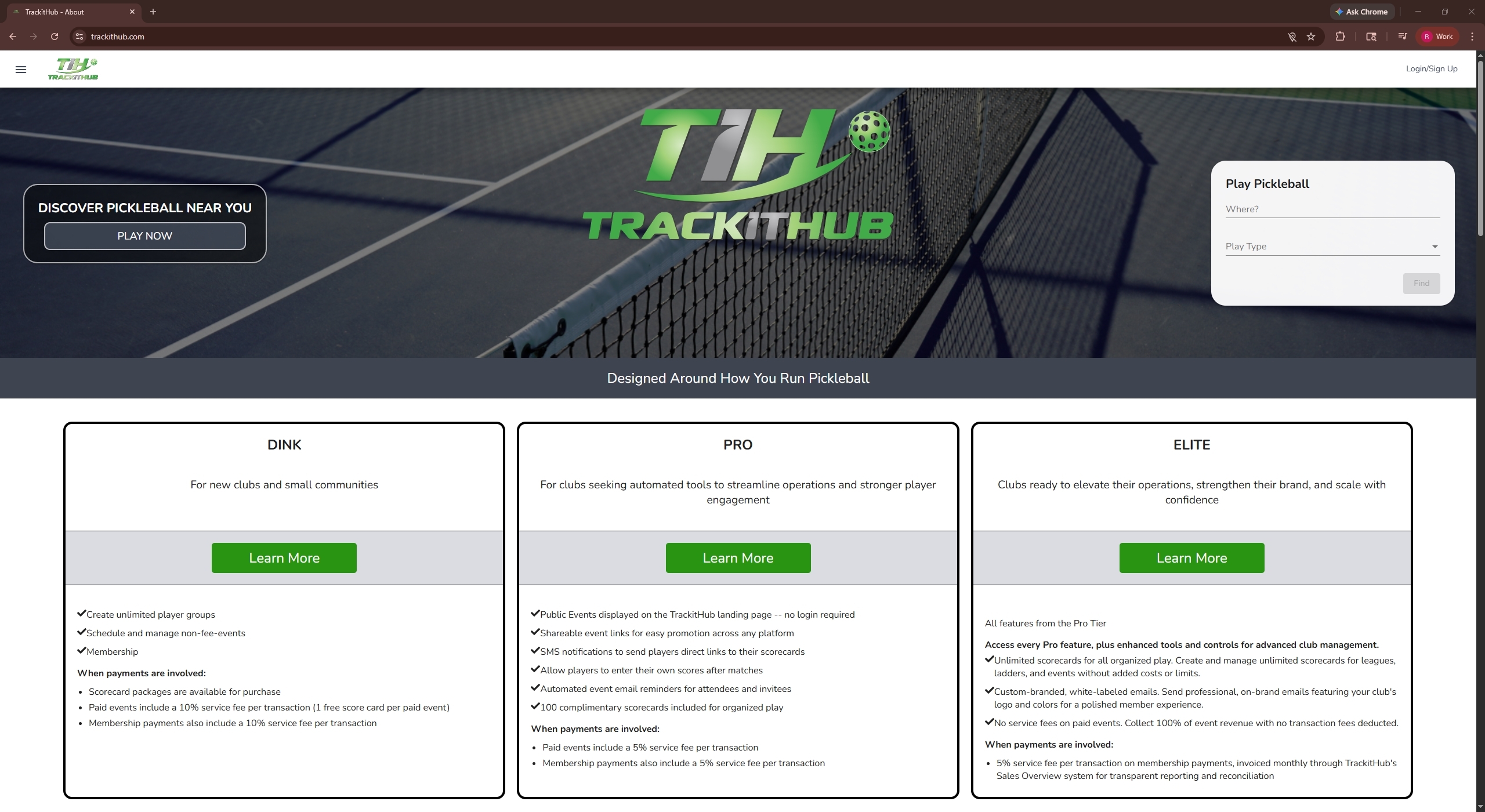
Scroll to the bottom of the page and find the "Contact" section.
Then, fill out the required information: your full name, your email, the category of your issue, and the specific details regarding your issue. Once you have completed filling out the form, click "Send" to submit your ticket.
For our second method, let's start from the TrackitHub dashboard, which you will arrive at once you log in to your account.
On the left side of the page, click on "Help Desk", this will bring you to the support home page. It should look like this
At the top of the screen click on "Submit a Request" and this will launch the form to submit a support ticket. In the following image, the button is surrounded by a red rectangle.
After clicking "Submit a Request" fill out the information: your email, the subject, and a description of your issue. If you have any screenshots, images, or files that would help us resolve your issue, please include them in the attachments section.
Once that's done, click "Submit" and your ticket will be submitted.
Your ticket will be submitted and you should receive a response within 48 hours.
Comments
0 comments
Please sign in to leave a comment.