Edit Location

1. Select the location icon on the group card that is linked to the location you would like to edit.
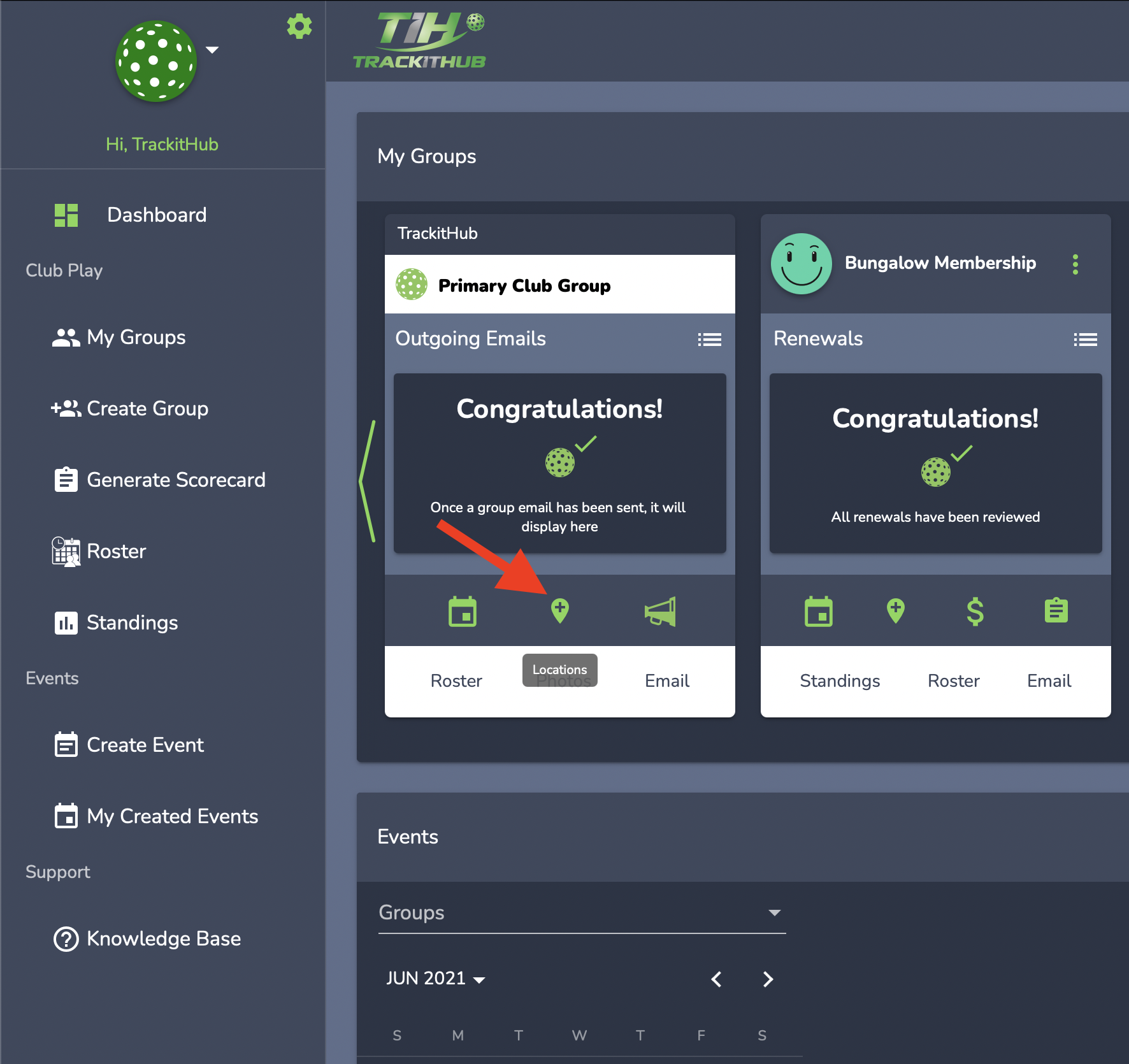
2. The bottom panel will appear. To the right of the location name, click the green edit location icon. If you would like to unlink this location from the group, select the remove icon in red.

3. To find the information you would like to edit, click Next to view the remaining sections.

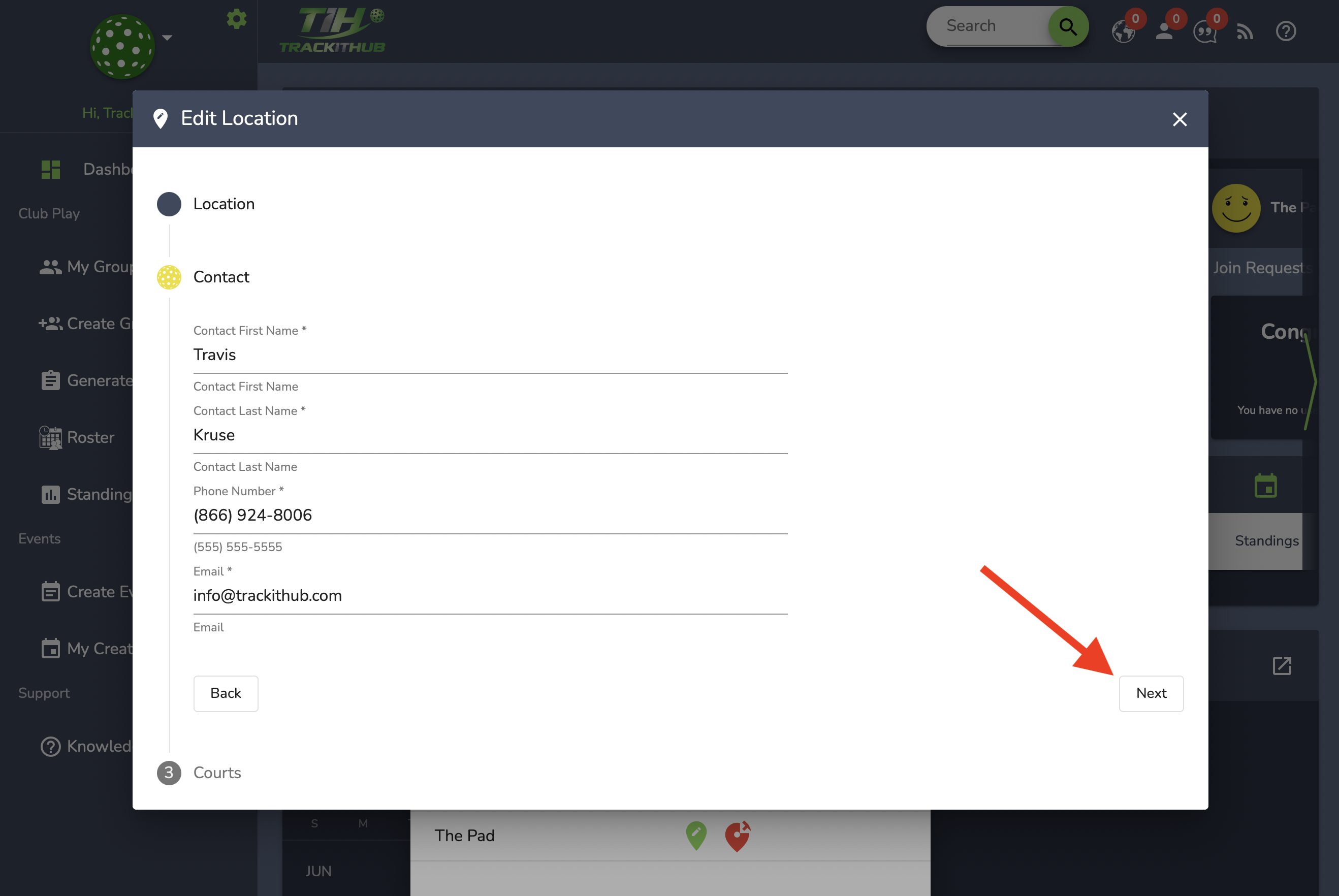
4. Once the edits have been made, click Save on the last section of the form.

5. You will be notified with a green toast message that states "Location has been updated."

Comments
0 comments
Please sign in to leave a comment.