Dashboard Views

How to change your dashboard views
- Click on Views to the top right of your dashboard.
- Select a view from the dropdown.
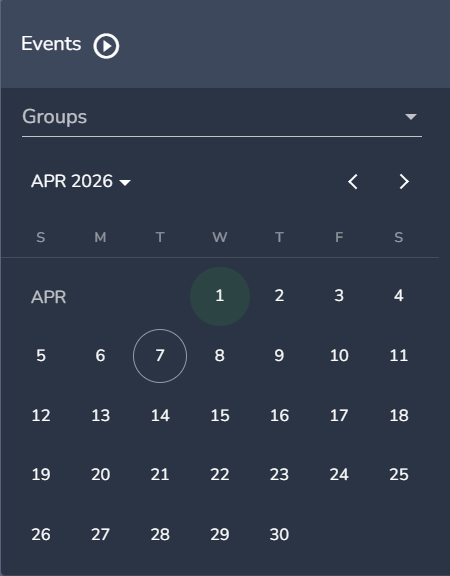
The calendar view is the default view, days where there are events will be highlighted in bright green. Clicking on a date will show the events for that day.
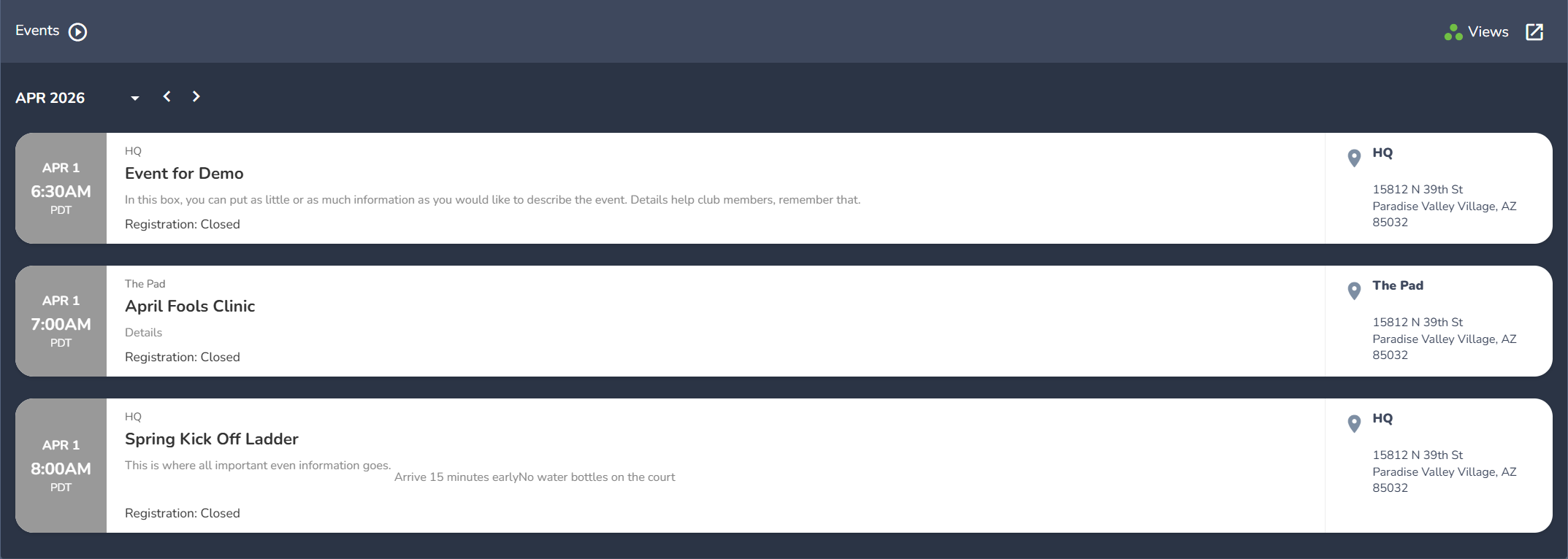
- The list view will present all of the events for that month.
Comments
0 comments
Please sign in to leave a comment.