Sales Overview

This article contains instructions on the Sales Overview tab
- To open the Sales Overview click "Sales Overview" on the left side of the screen under the "Events" tab.
- Here you can see a monthly breakdown of your events.
- Click on one of the blue titled months to view the events that made up that months revenue
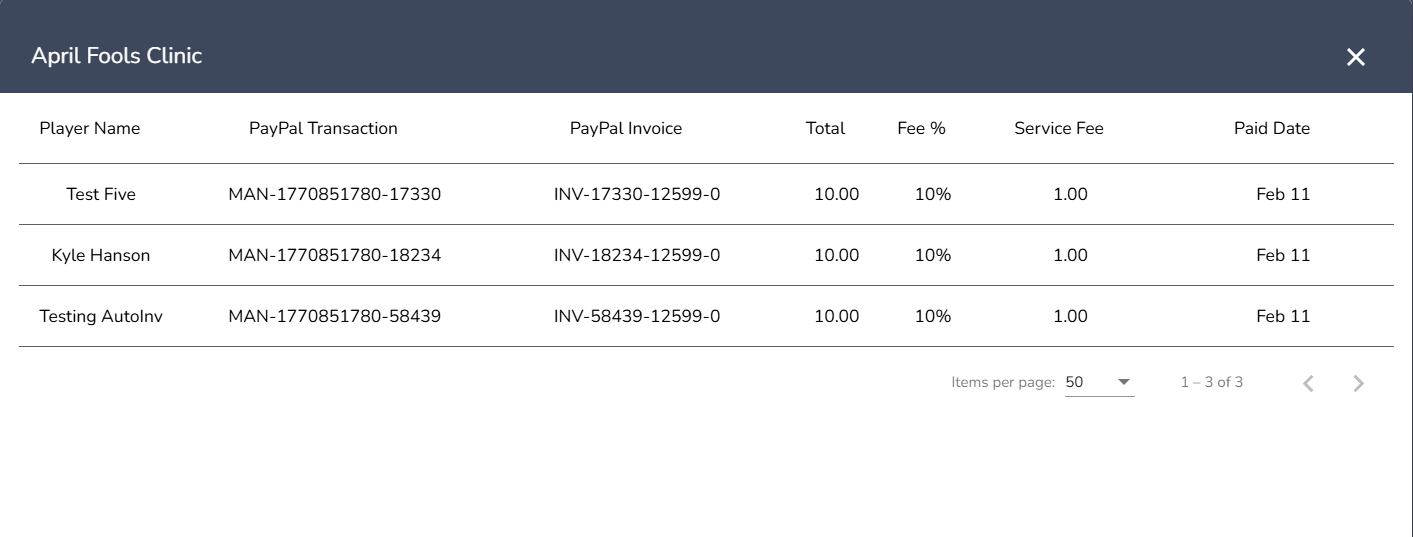
- In the monthly breakdown you are able to click on any of the events for a more detailed summary
- This will give you a summary of that particular event
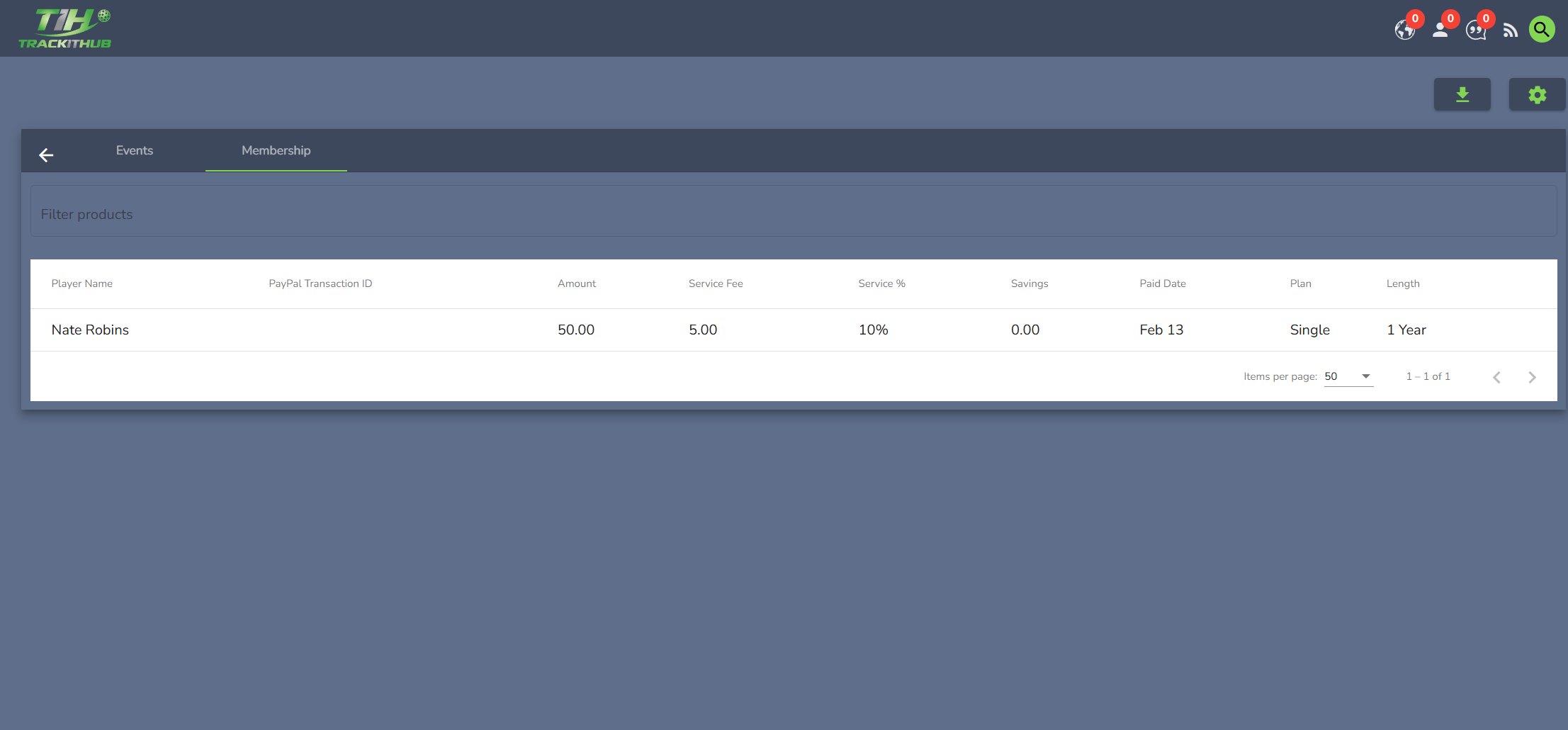
- At any point you can click on Membership to switch over to view transactions from your membership groups
- The Membership view provides the same monthly and event level breakdowns as the Events view.
- From the Sales Overview you can view your monthly invoices and make payment by clicking on the magnifying glass symbols under the Invoices column.
Comments
0 comments
Please sign in to leave a comment.